

Appendix: Use review comment boxes
Use a GitHub review comment box when you want to leave feedback on a specific line in the Files changed view. A comment box can hold a plain text comment, Markdown formatting, links, screenshots, code examples, or a suggested code change that the person completing the PR can apply directly.
For the full review workflow, see How to review a PR.
For a new guide, the assigned FSE coordinates responses and updates. For an existing-guide edit, the author does so.
Open the comment box
Section titled “Open the comment box”-
In the PR, open the Files changed tab.
-
Hover over the line that needs a comment.
-
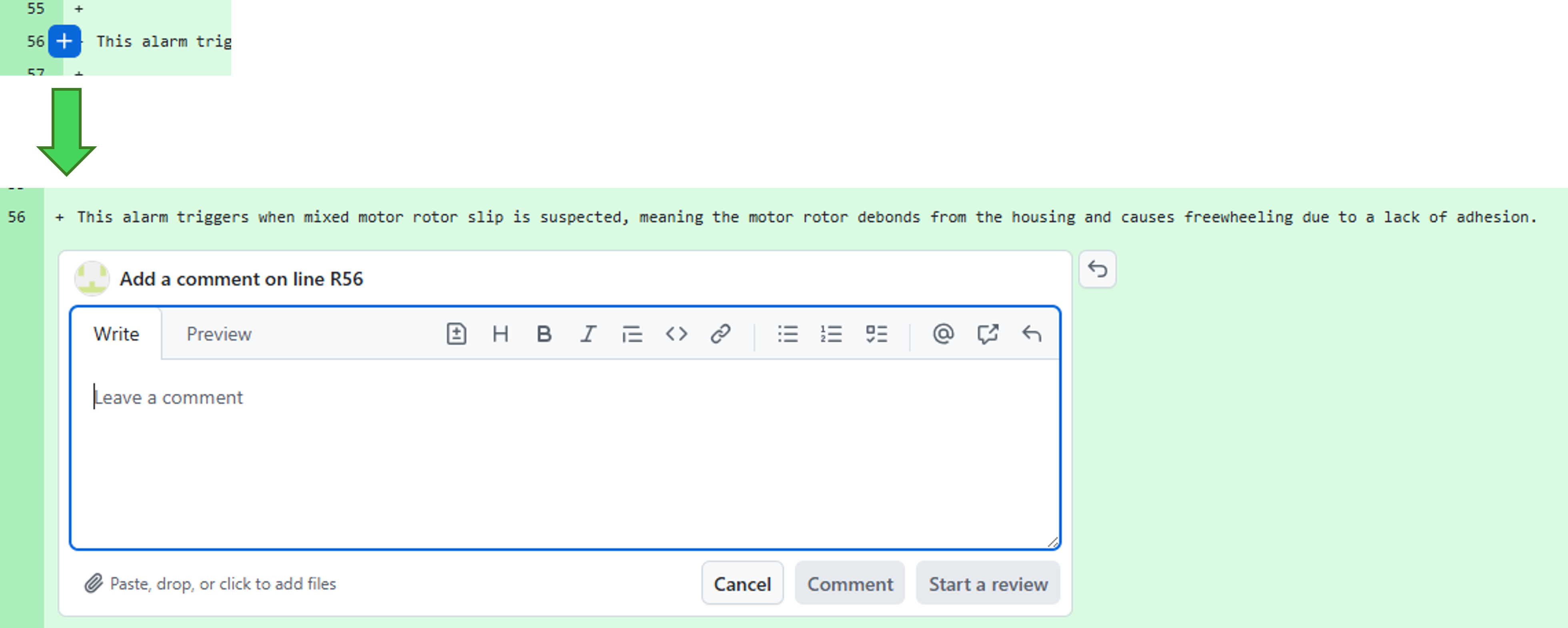
Click the blue plus sign near the line number to open the review comment box.
Open comment box example
-
Add the comment, example, or suggestion.
-
Click Start a review. After you add the first review comment, the button changes to Add review comment.
Before you type, the comment box looks like a normal empty Markdown editor. It has Write and Preview tabs, a formatting toolbar, a comment field, and a review button.
What you can add
Section titled “What you can add”Use the comment box for the smallest useful piece of feedback on that line. Split unrelated issues into separate comments.
-
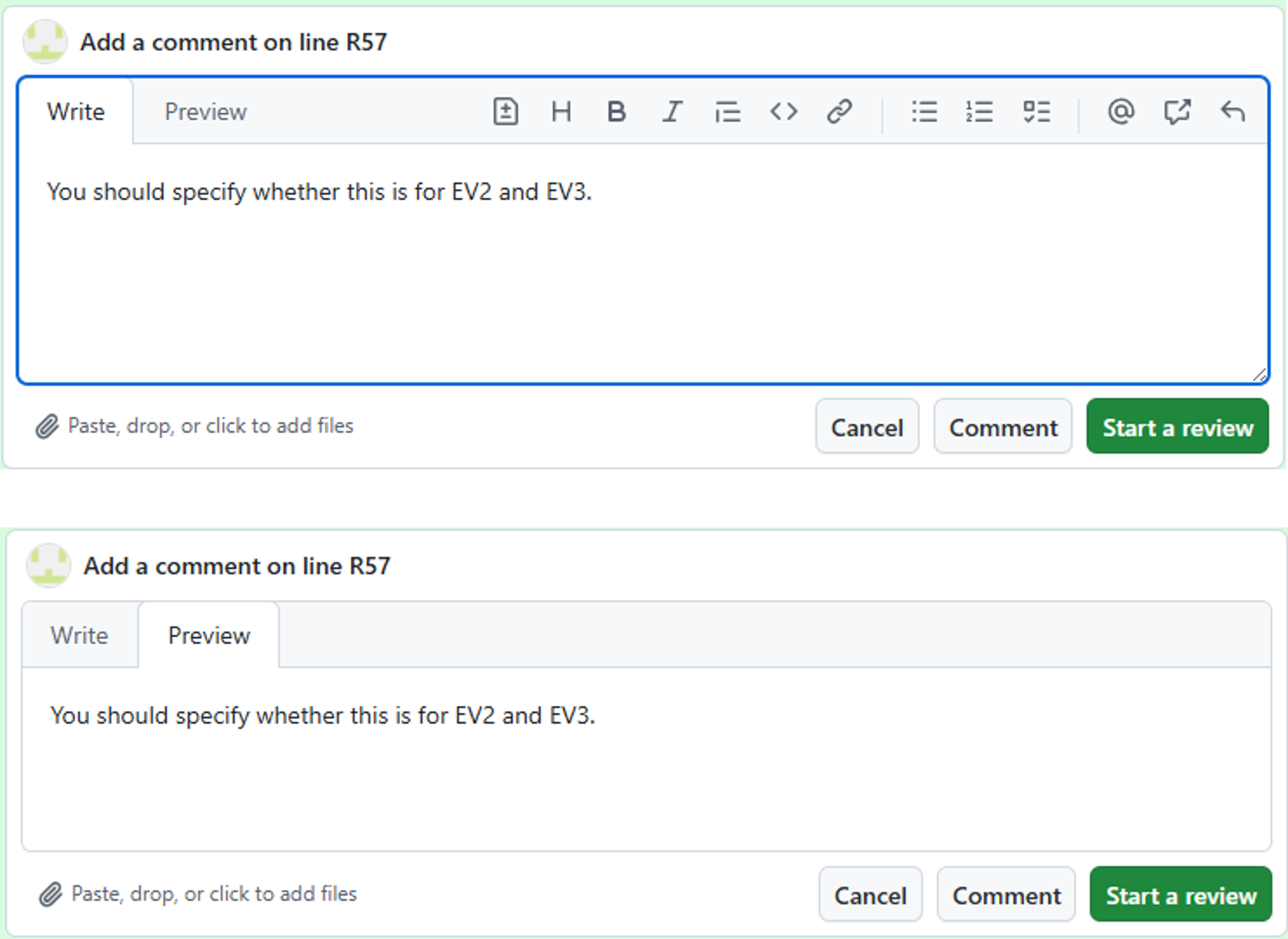
Plain text: Ask a question, explain a concern, or tell the person completing the PR what needs to change.
Plain text example
-
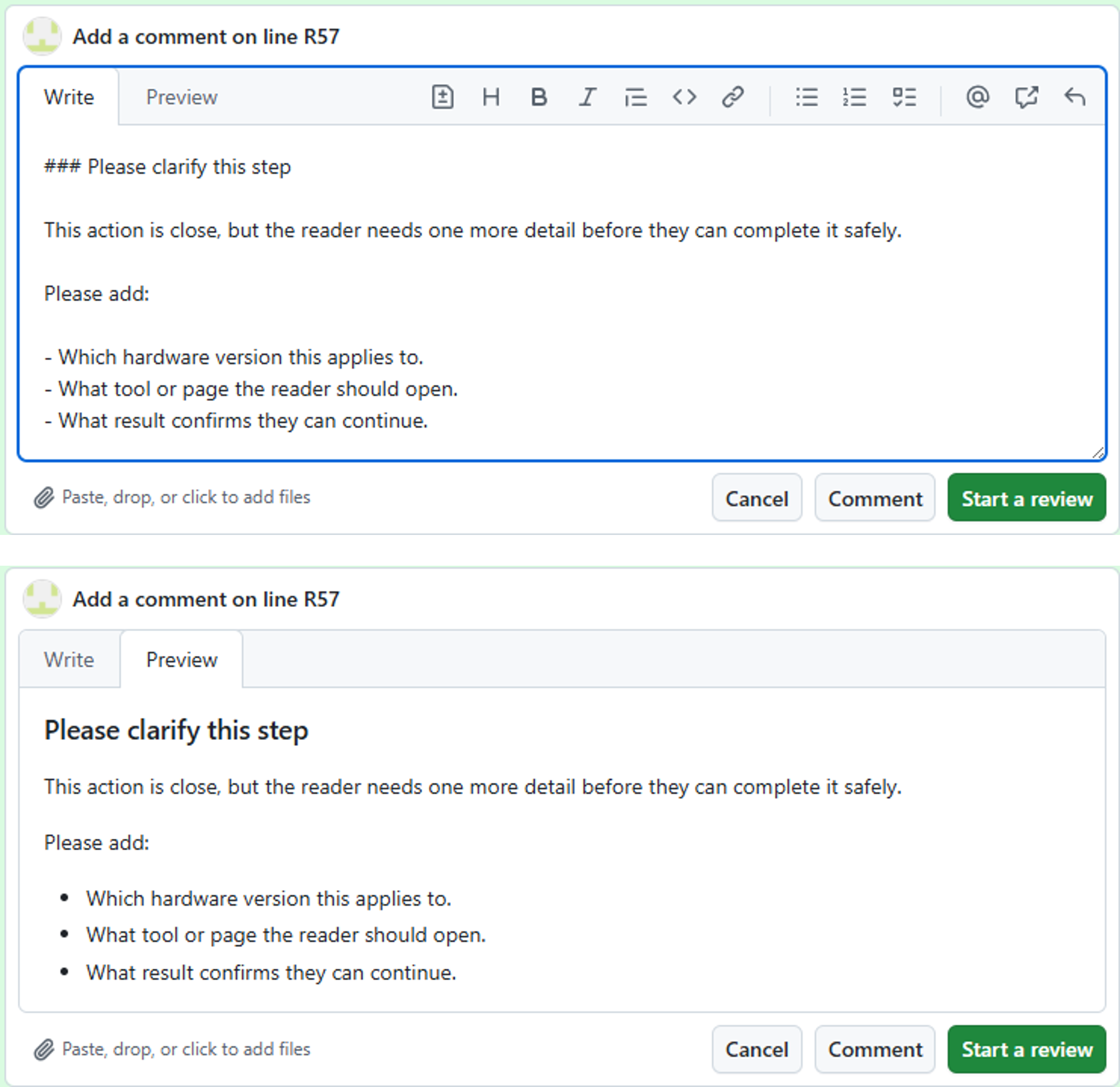
Markdown formatting: Use bullets, numbered steps, bold text, inline code, mentions, or links when they make the comment easier to scan.
Markdown formatting example
-
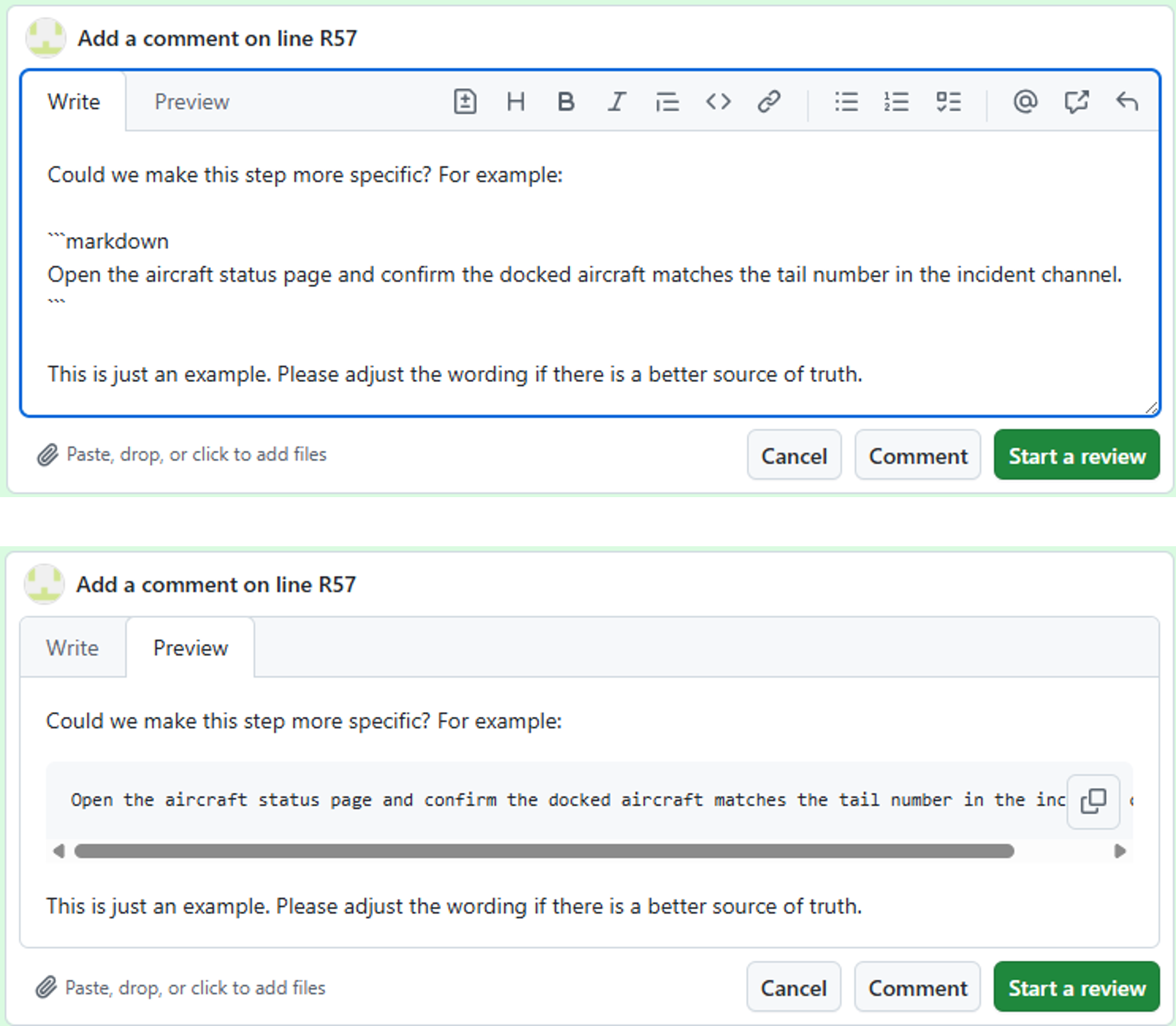
Example snippets: Use fenced code blocks when you want to show possible wording or code as a reference only. GitHub will display the snippet in your comment, but the person completing the PR cannot apply it with one click.
Snippet comment example
-
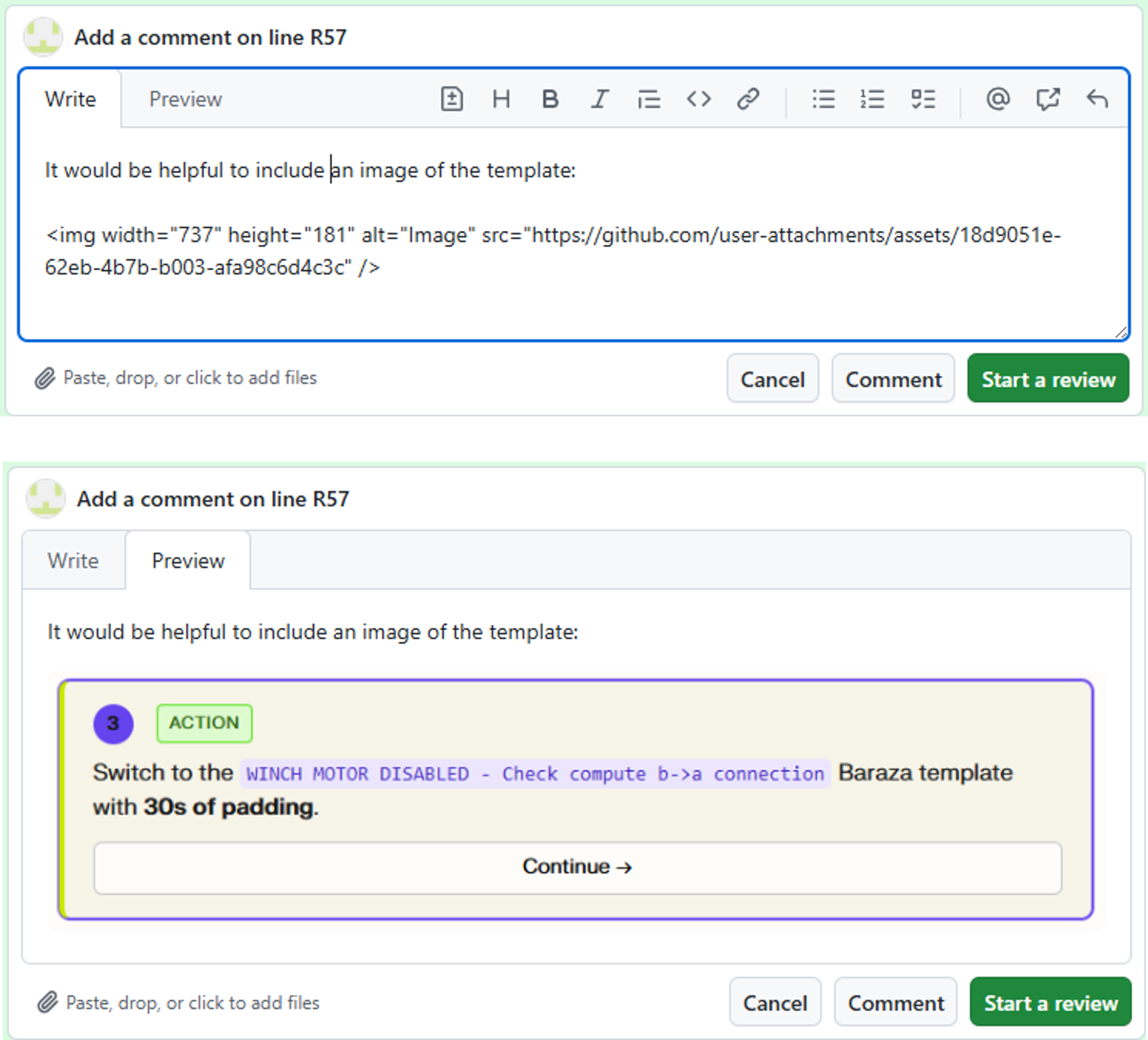
Screenshots or images: Drag an image into the comment box when the visual makes the issue easier to understand.
Screenshot comment example
-
Suggested code changes: Use a suggestion block when you know the exact replacement text and want GitHub to show an applicable change that the person completing the PR can commit with one click. For more information, see Add a suggested code change below.
Add a suggested code change
Section titled “Add a suggested code change”Add a suggested code change only when you know the exact text that should replace the selected line or selected range. GitHub shows the suggestion as a small diff, and after you submit the review, the person completing the PR can apply it directly from the comment.
Add a suggestion block using three backticks, the word suggestion, the replacement text, and three closing backticks.
Suggested code change example
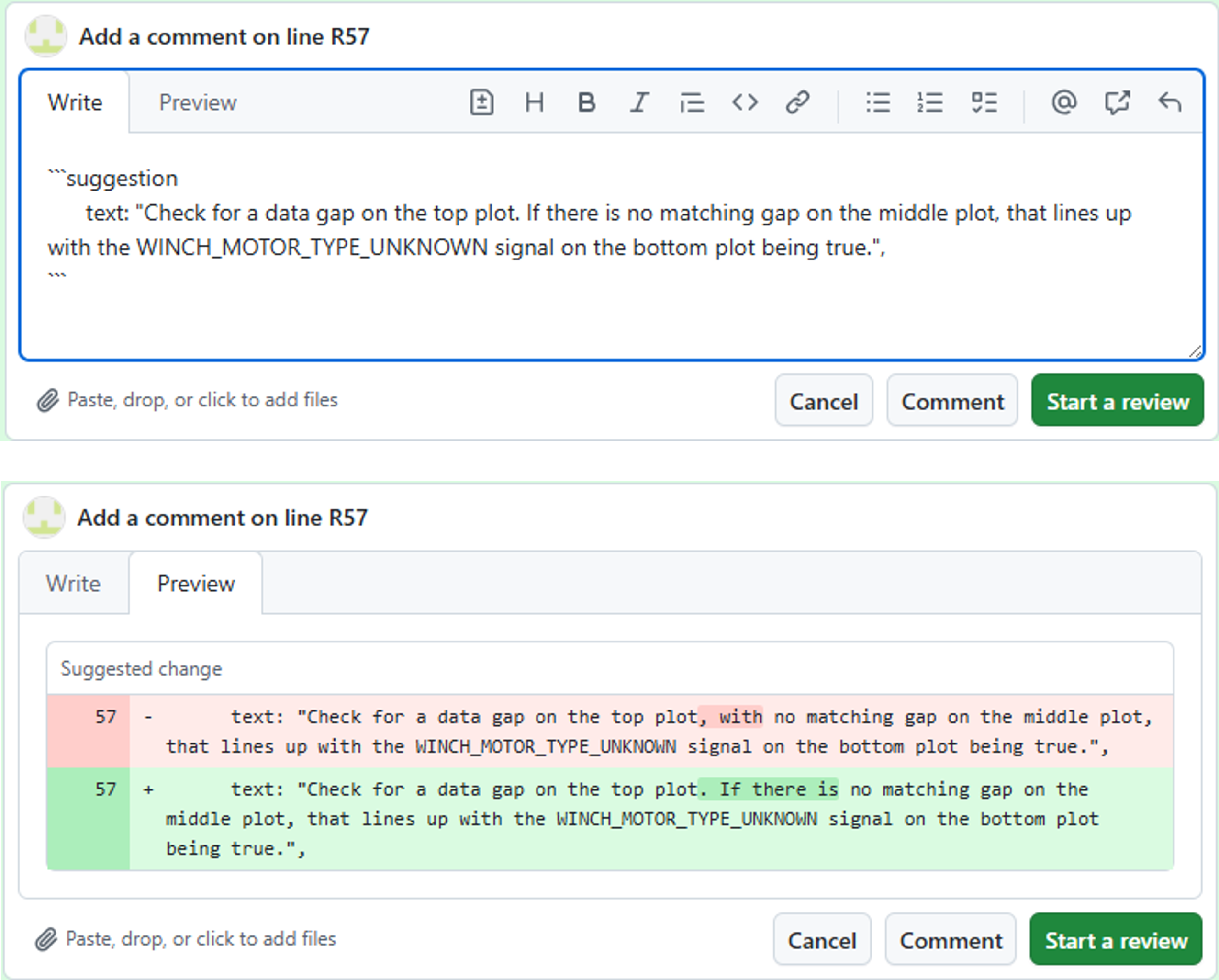
GitHub replaces the selected line or selected range with the text inside the suggestion block. Include the entire line, sentence, or paragraph that should remain after the change. If you are changing one word in a paragraph, paste the entire paragraph with only that word changed.
Whole replacement example
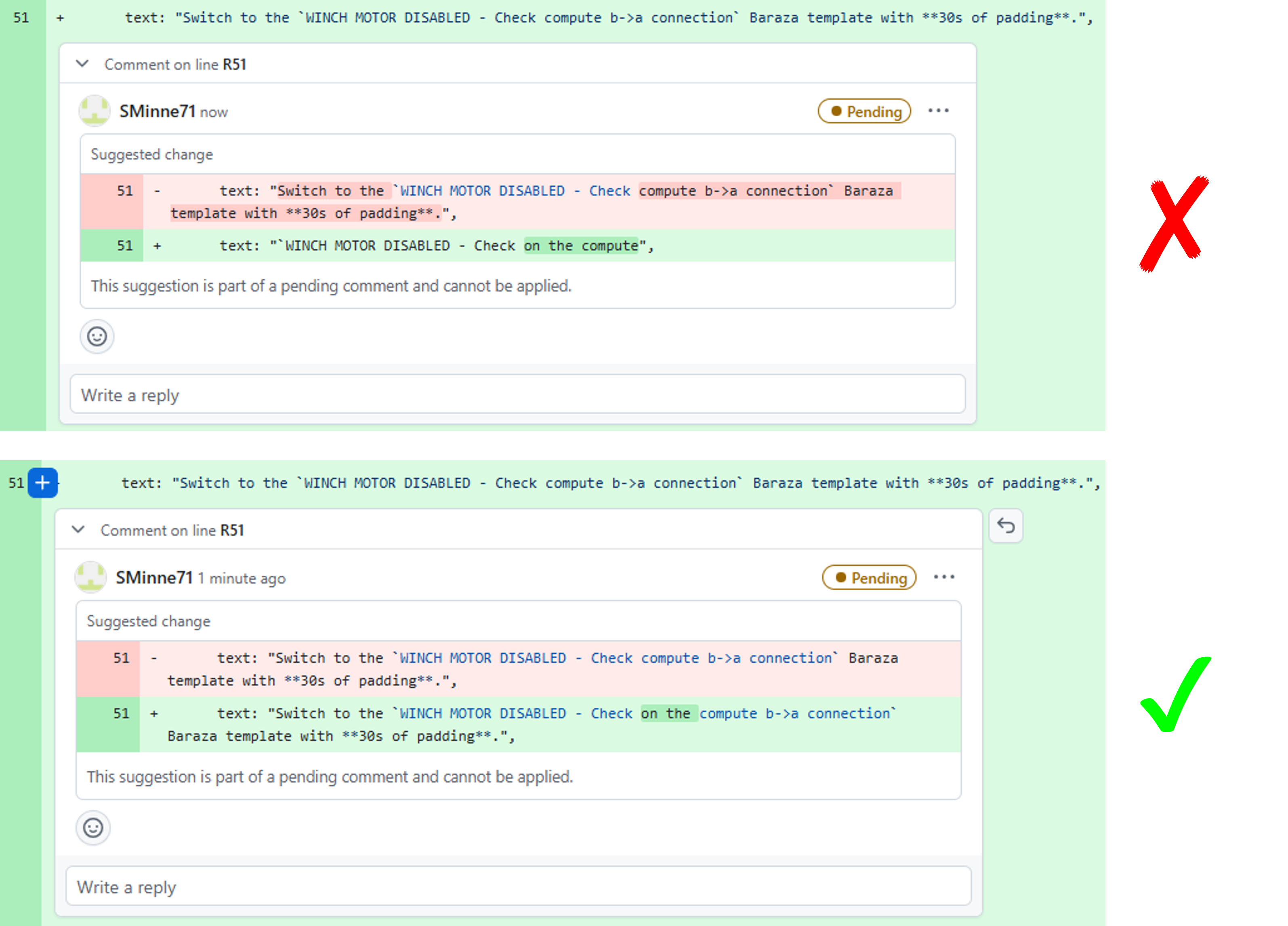
Use the same rule for longer Markdown paragraphs. If the paragraph is one long line in the file, include that full paragraph in the suggestion.
Keep any leading spaces from the original line. If the line starts with five spaces before the text, the suggested replacement must also start with those five spaces. This keeps Markdown lists, nested content, and MDX formatting from shifting when the person completing the PR applies the suggestion.
Check the box before posting
Section titled “Check the box before posting”Use the Preview tab before you add the comment. Plain comments should render as normal Markdown. Valid suggestion blocks should render as a suggested change box instead of plain text.