

Appendix E - Use zdex from Slack
zdex is Zipline’s AI coding agent in Slack. You describe what you want in plain language, and zdex can make GitHub changes and open a pull request for you.
You still own the technical accuracy of the change. Review the pull request before asking someone else to review it.
Repo access requirements
Section titled “Repo access requirements”To make changes in service_docs with zdex, you need a Zipline GitHub account and write access to the ZiplineTeam/service_docs repository.
If you do not have both, use the option below that matches your situation before asking zdex to make repo changes.
I have a Zipline GitHub account but I need write access
Post a message in #AskIT asking for write access to ZiplineTeam/service_docs and include your Zipline GitHub username.
I need a Zipline GitHub account and I also need write access
Post a message in #AskIT asking for a Zipline GitHub account and write access to ZiplineTeam/service_docs.
If GitHub shows a 404 or permissions error when you try to view the repo or pull request, you probably do not have the required access yet.
Start a zdex request in Slack
Section titled “Start a zdex request in Slack”- Open Slack.
- Search for
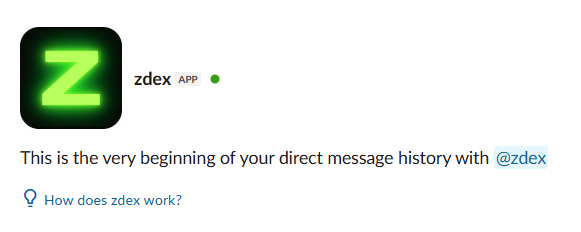
@zdex. - Open a direct message with the zdex app.
- Describe the repo change you want.
For more information about using zdex, click How does zdex work?
Example requests
Section titled “Example requests”You can ask zdex to:
- add someone to a team in a repo
- start a pull request for a repo change
- resolve merge conflicts in your branch
- make a specific update to a
service_docstopic
Before review
Section titled “Before review”Before asking someone else to review a zdex pull request, go through the PR readiness checklist.