Auto-merge PR
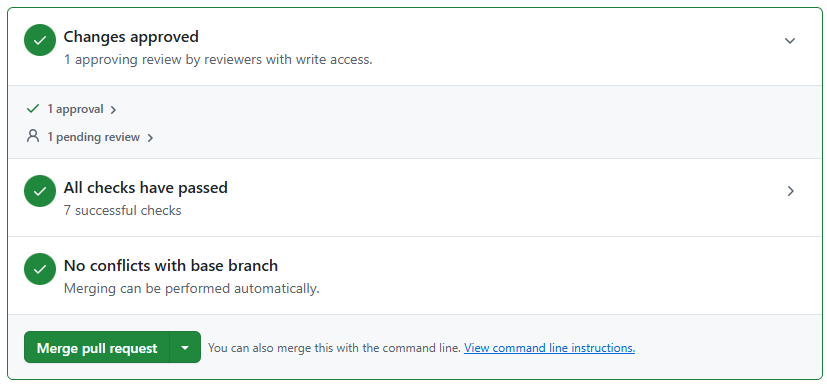
Auto-merge lets you tell GitHub to merge the PR automatically once all required checks and approvals are complete. If auto-merge is not enabled, the PR changes to Ready to Merge when all requirements are met, but you must click Merge pull request to complete the merge.
The assigned FSE is responsible for completing the merge for a new guide. For an existing-guide edit, the author is responsible. Both follow the required TW/SE2 review process before merge.
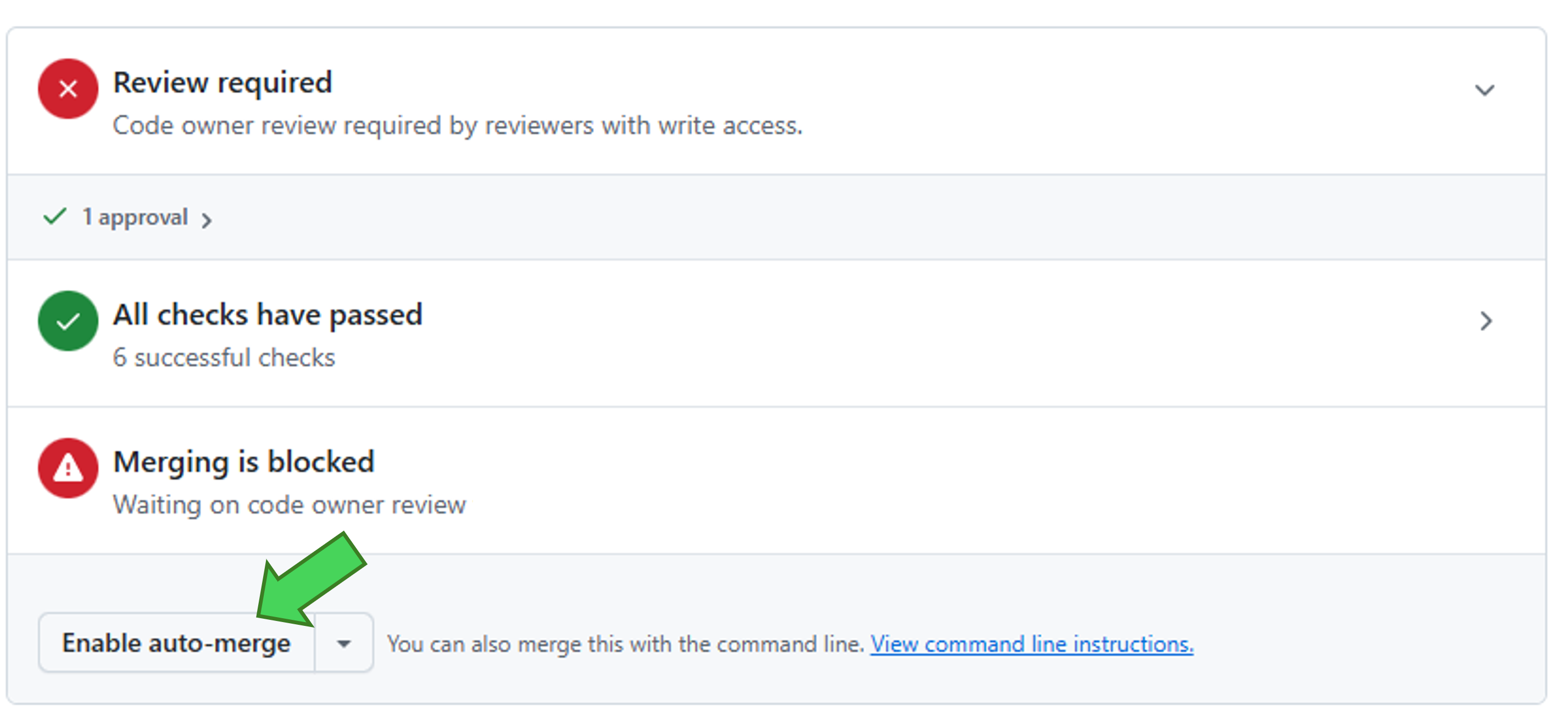
Enable auto-merge
Section titled “Enable auto-merge”You must enable auto-merge individually for each PR. Enabling it on one PR does not enable it for future PRs.
On the PR, click Enable auto-merge. GitHub will merge the PR automatically once all required reviews and checks have passed.
Merge the PR manually
Section titled “Merge the PR manually”If you did not enable auto-merge, wait until the PR has a status of Ready to Merge, then click Merge pull request and complete the confirmation in GitHub.