

Failed Log Review (Shakedown Validator Failures)
Background
Section titled “Background”In both commercial and test sites, assets are validated by performing some number of flights and then a log review is conducted via validators using the Shakedown Validator Tool.
Both Aircraft (Zips) and Droids are verified. However, there are instances in which only the Aircraft OR the Droid needs to be verified with a flight. For example: a commercial site received a new Droid and installed it into a validated Aircraft (Zip) and performed the shakedown flight. In this case, the Droid is the only asset that must be validated.
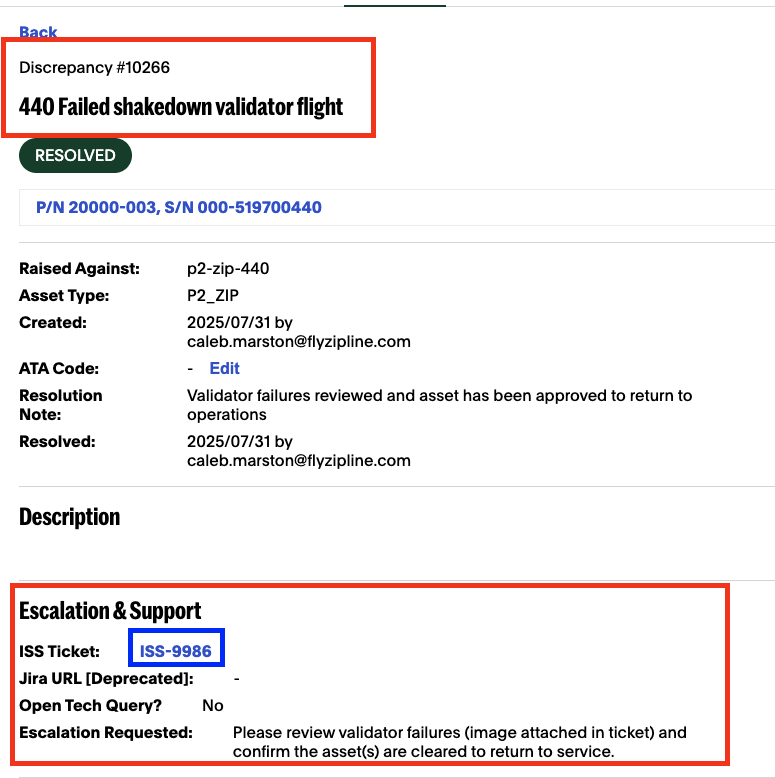
Flight Operators and/or Maintenance Technicians spearhead the flights and run the Shakedown tool to validate the asset(s). If they encounter errors or failures, they create a discrepancy on the asset and send it to Service Engineering to resolve. Any discrepancies for these types of issues are always manually created so titles can differ.
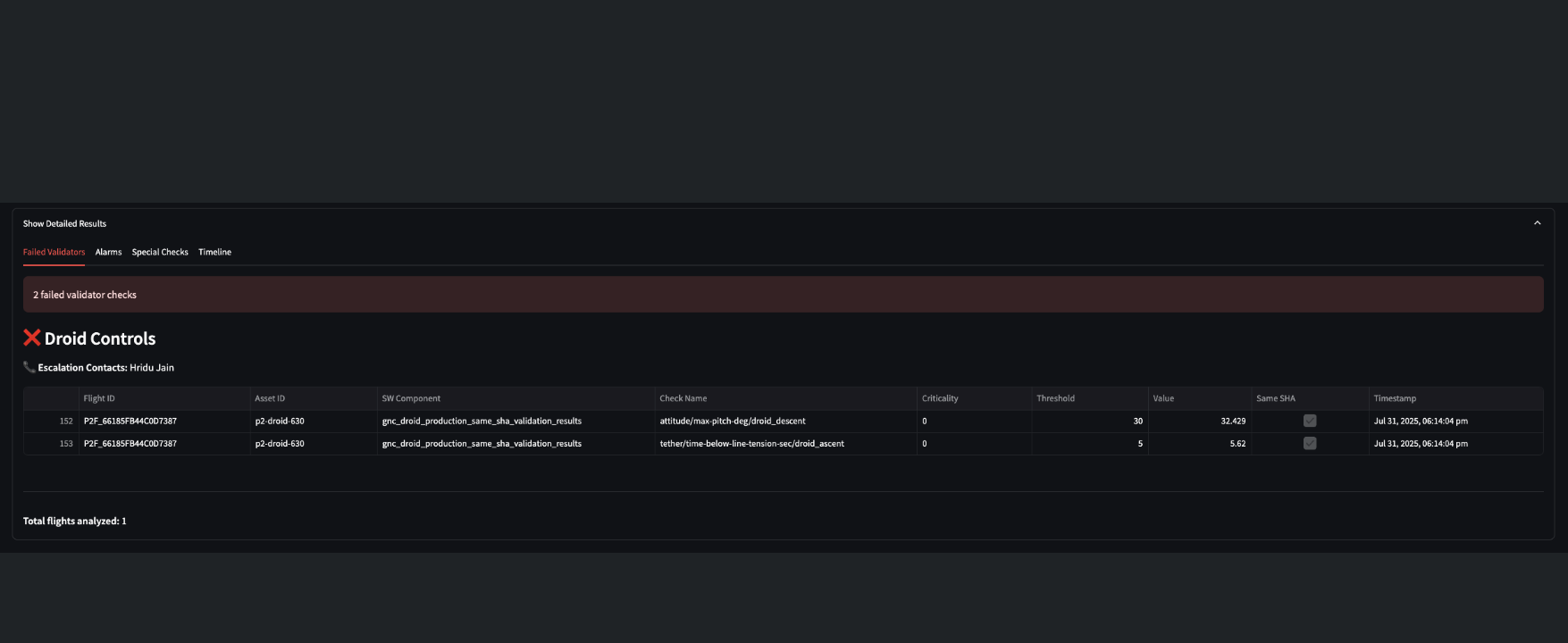
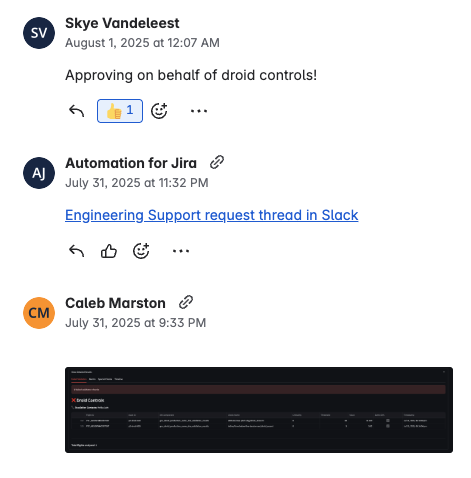
Most discrepancy creators attach either the mission ID or a screenshot of the Shakedown Tool results in the Discrepancy ISS ticket comments, which is linked to the discrepancy in ZERP.
Example
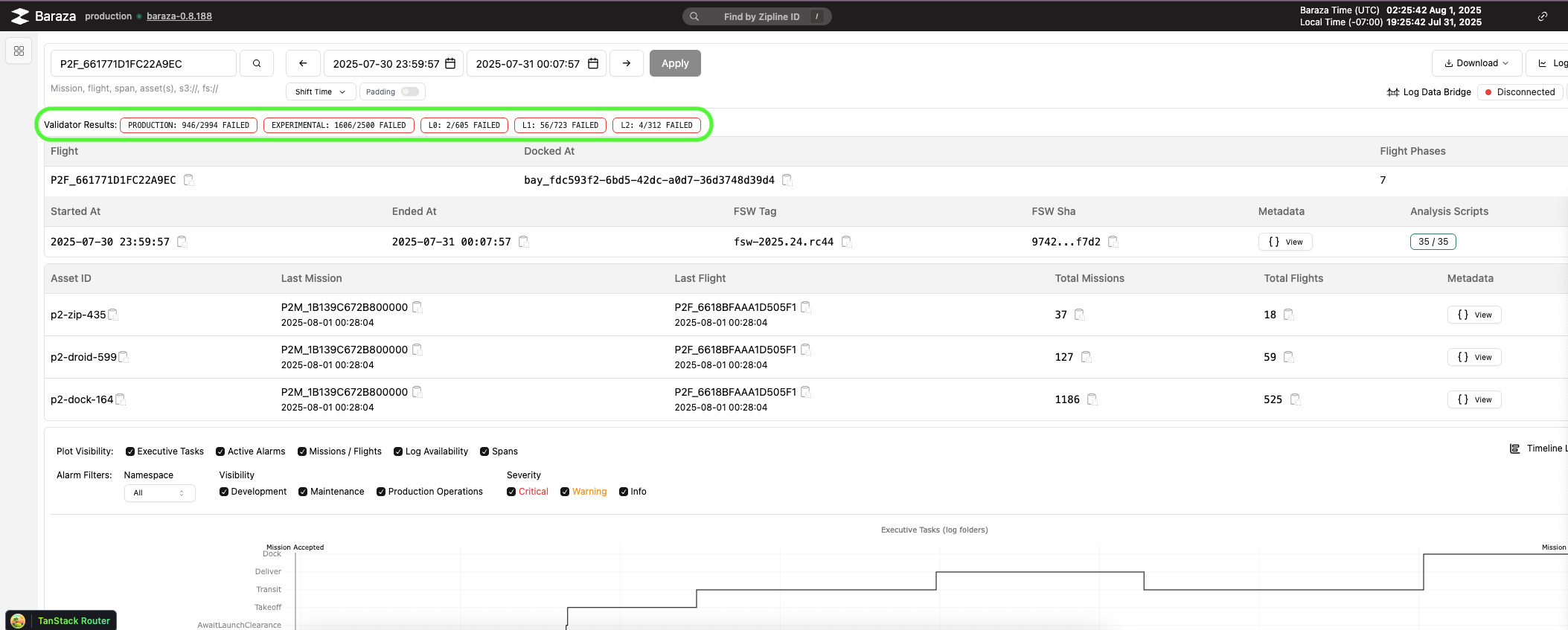
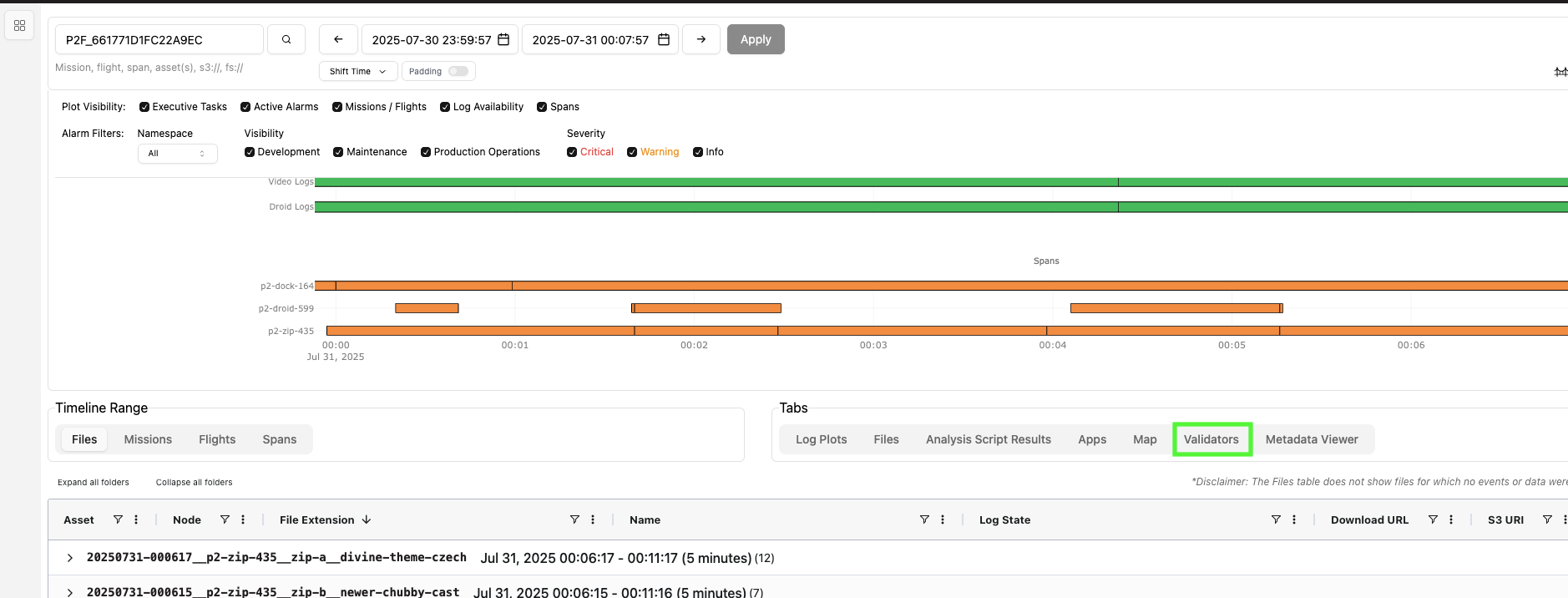
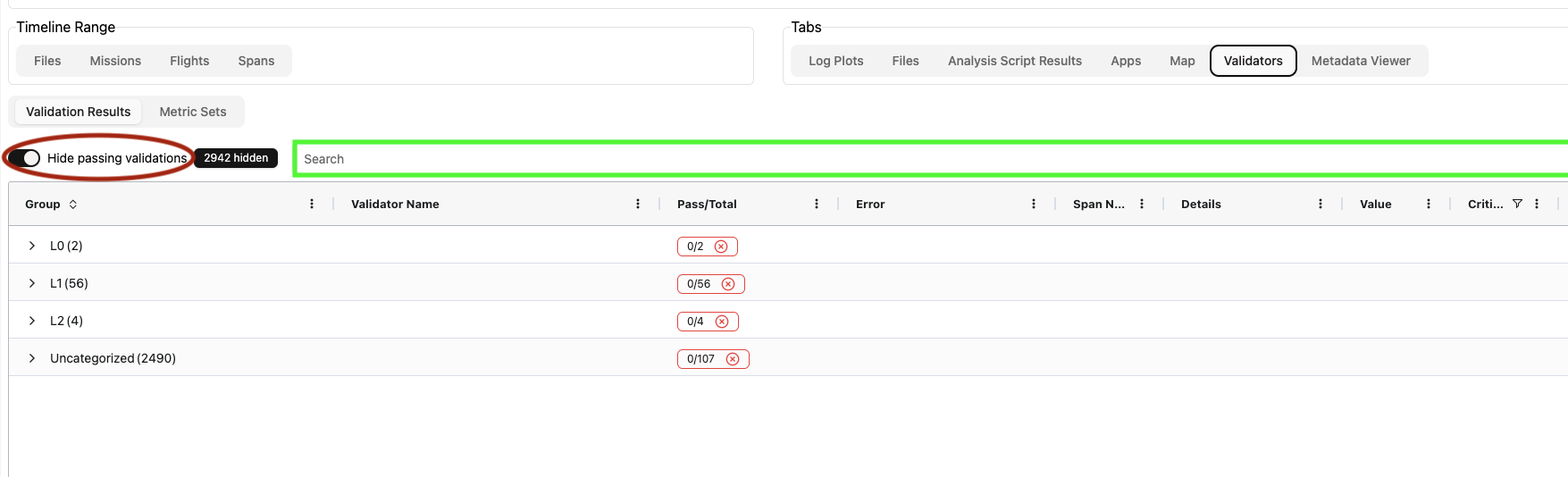
How to Find Validator Results Manually in Baraza
Section titled “How to Find Validator Results Manually in Baraza”
Did this guide help you get unblocked?
Open suggestions
There are no open suggestions.
Open pull requests
There are no open pull requests.